









Help center →
Get help with a purchase, warehouse item or parcel.
 OrientDig SpreadsheetIndependent shopping guide
Finds & buying guide
Browse product ideas and get practical help with the whole order, from a seller’s link to the parcel at your door.
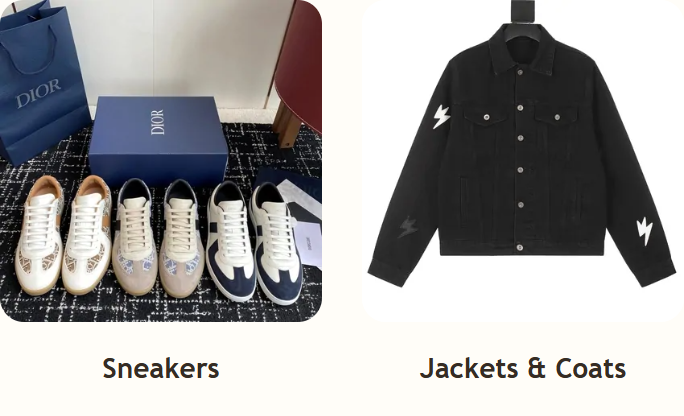
A collection of product links with guidance for your next order. Find an item, check the seller’s options and save the original URL before taking it to your OrientDig account.
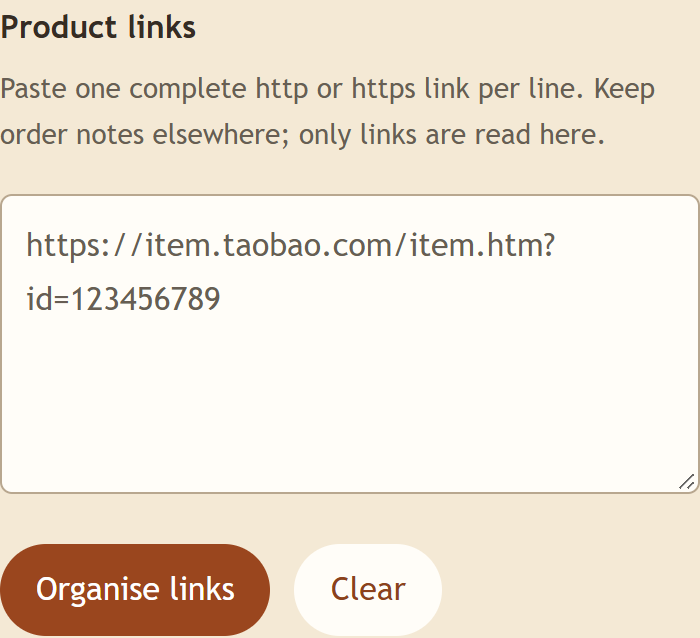
About the Spreadsheet →Keep browsing, tidying a list and preparing an order in one place. The link organiser and illustrated guides help you move from a saved find to the next buying step.
Explore what the guide offers →A shopping agent that buys from the seller, receives goods in China and arranges the international parcel you choose. The seller supplies the product; your agent account manages the purchase and shipping.
Understand OrientDig’s role →Product-link search, order records and warehouse checks can help with items collected from several sellers. Confirm your inspection needs and delivery route first; compare another service if the quote or support does not fit.
Read the service guide →Search or choose a category. Compare measurements, options and seller terms, then save the original link with your size, colour and quantity. Use the organiser when you have a list.
From finding to importing a product →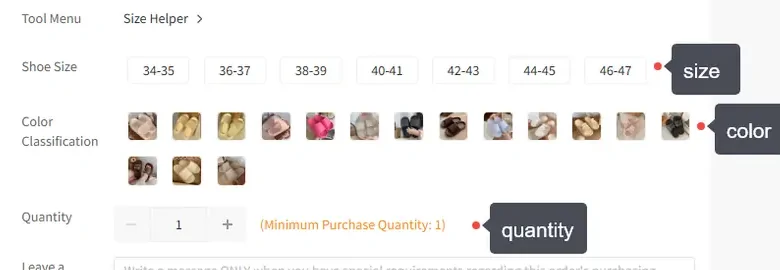
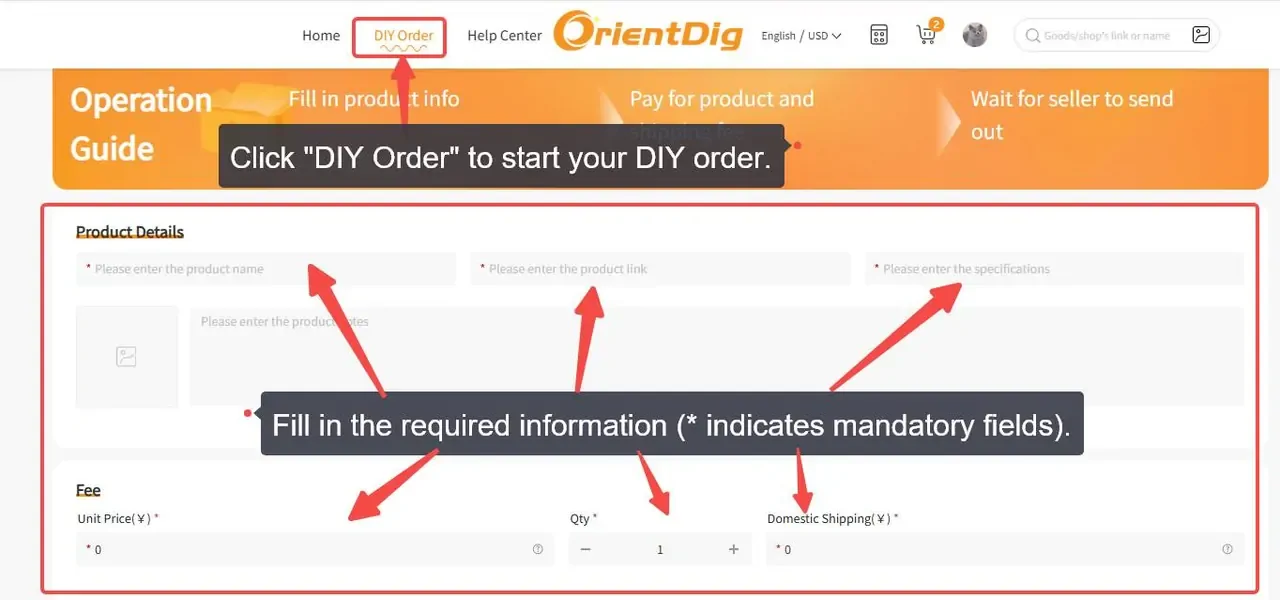
Import your choices and pay for the purchase. Review warehouse QC, settle any return, then select ready items, packing and a route. Pay international shipping separately and follow the delivery.
Follow the order guide →Keep the full instructions close to the step you are on.
Open the buying guides →Organise product linksQC and shipping
Get help with a purchase, warehouse item or parcel.
Payments, changed options, returns and shipping estimates.