
Home / Categories
Browse OrientDig finds by product type
Start with a category, then compare the actual listing and selected option before adding an item to your order.
Choose a category

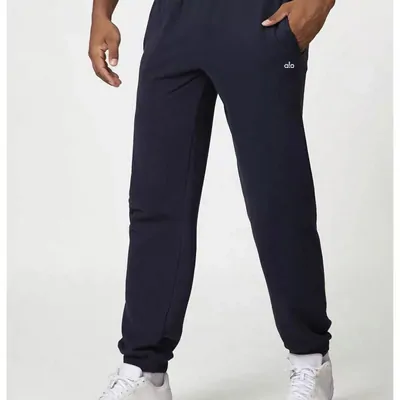
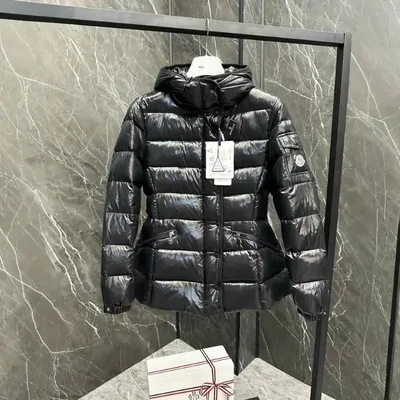

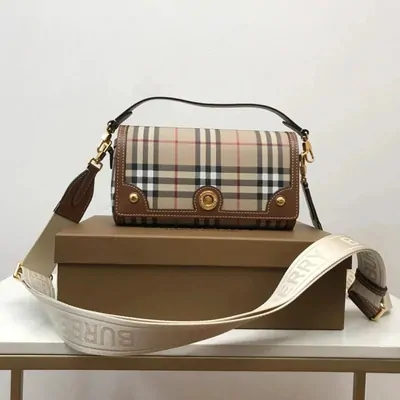
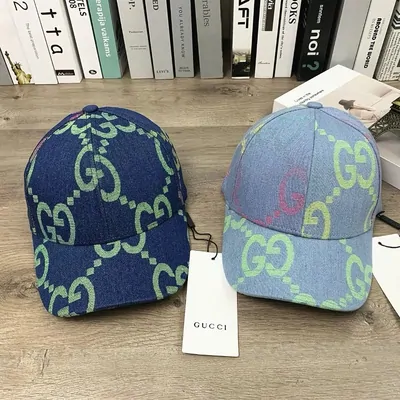


How to choose a product: fit, dimensions and specification
How to choose a seller
Open the seller’s shop and look at recent item-specific feedback. Check whether the photos describe the same variant you intend to buy. Similar-looking listings can differ in fabric, construction, accessories and minimum quantity.
A very low price may belong to a spare part, deposit or cheapest variant. Select your option and read the resulting total. On 1688, confirm the minimum order and whether the unit price requires several pieces.